
How to Calculate TPS for Kubernetes Performance
Calculate TPS from completed transactions and a measured time window. Distinguish requests, business outcomes, retries, latency, and errors.
Browse 50 posts in this category
Calculate TPS from completed transactions and a measured time window. Distinguish requests, business outcomes, retries, latency, and errors.

Compare GoReplay and Speedscale capture, TLS requirements, dependency mocks, and local or Kubernetes replay. Verify the exact workflow before choosing.

Compare Kubernetes traffic capture tools, TLS visibility, setup permissions, and replay options. Choose packet inspection or decoded application traffic.

Test Kubernetes autoscaling with controlled load. Verify HPA metrics, readiness, scaling policies, and scale-down alongside latency and errors.

Run a Kubernetes load-test tutorial with recorded traffic. Check cluster prerequisites, dependency coverage, and data reset before repeating a replay.

Plan Kubernetes load tests with clear workload models, isolated dependencies, and measured generator capacity. Compare tools and read results in context.

Compare Speedscale and k6 for Kubernetes load testing. Reuse captured requests, isolate dependencies, and evaluate CI gates with the same workload.

Load test one endpoint while keeping another steady. See how separate schedules and latency goals reveal slowdowns an overall average can hide.
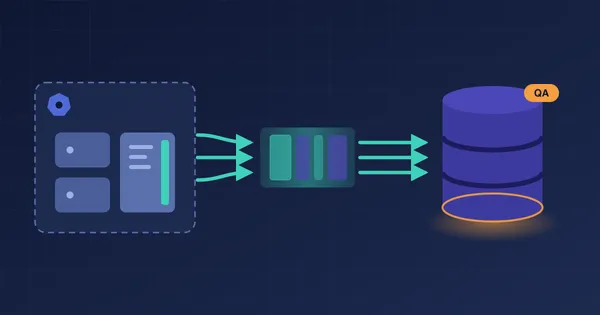
Record the queries your app sends to PostgreSQL in Kubernetes, then replay them against a QA database as a load and regression test. No scripts to write.
Choose the desktop proxymock or the hosted cloud trial to get started.