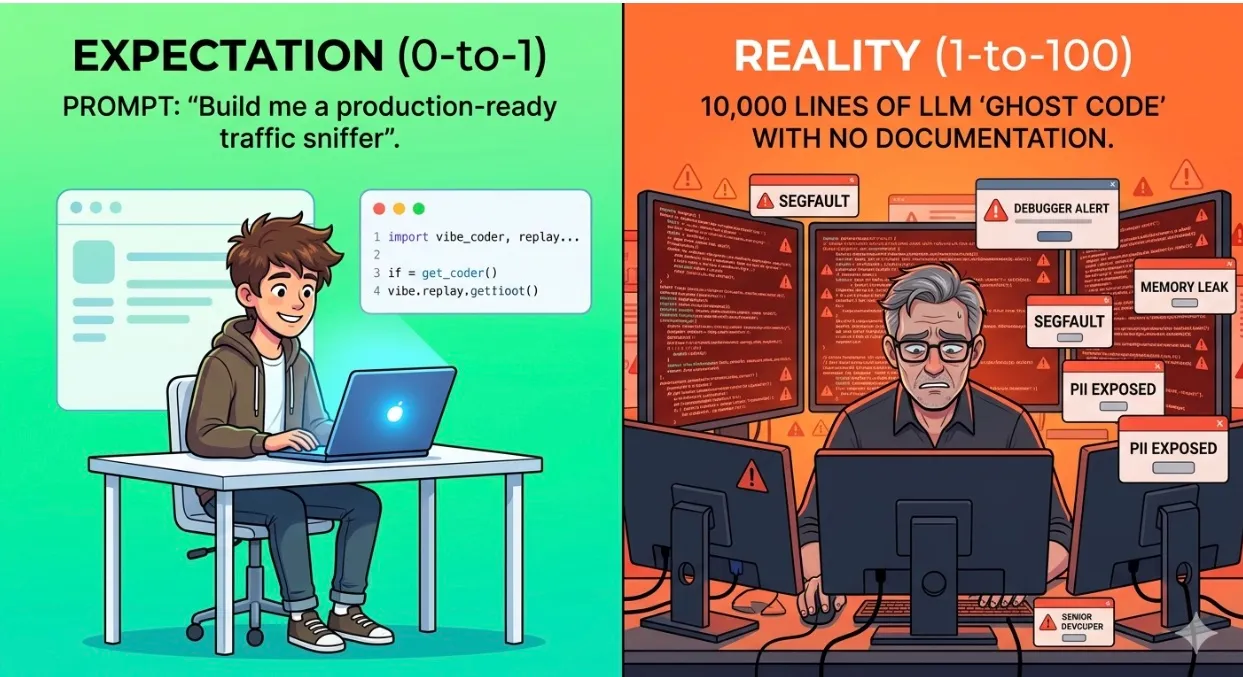
The DIY Traffic Replay Trap: Why AI Scripts Fail at Scale
The Conversation Killing Your Productivity
It starts in a Slack thread: “Why pay for performance testing? I’ll just have Claude write us a Python traffic sniffer over the weekend.”
In the era of “vibe coding”, the 0-to-1 phase is deceptively easy. You can prompt a functional sniffer into existence in minutes. But at Speedscale, we see the 1-to-100 phase. The moment that weekend prototype hits a production-grade microservice architecture — and the engineer who prompted it has moved on to the next ticket — the “savings” evaporate.
AI Builds Artifacts. Speedscale Builds Systems.
AI is a world-class creator of artifacts: single scripts or isolated logic. But it’s a terrible architect of systems.
An AI-generated script is a liability, not a strategy. It creates “Ghost Code”: infrastructure that no senior engineer understands but everyone is forced to fix when it breaks the CI/CD pipeline. Worse, in an automated environment, a lack of enterprise governance is dangerous: your custom testing bot is one hallucination away from a data-privacy PR disaster.
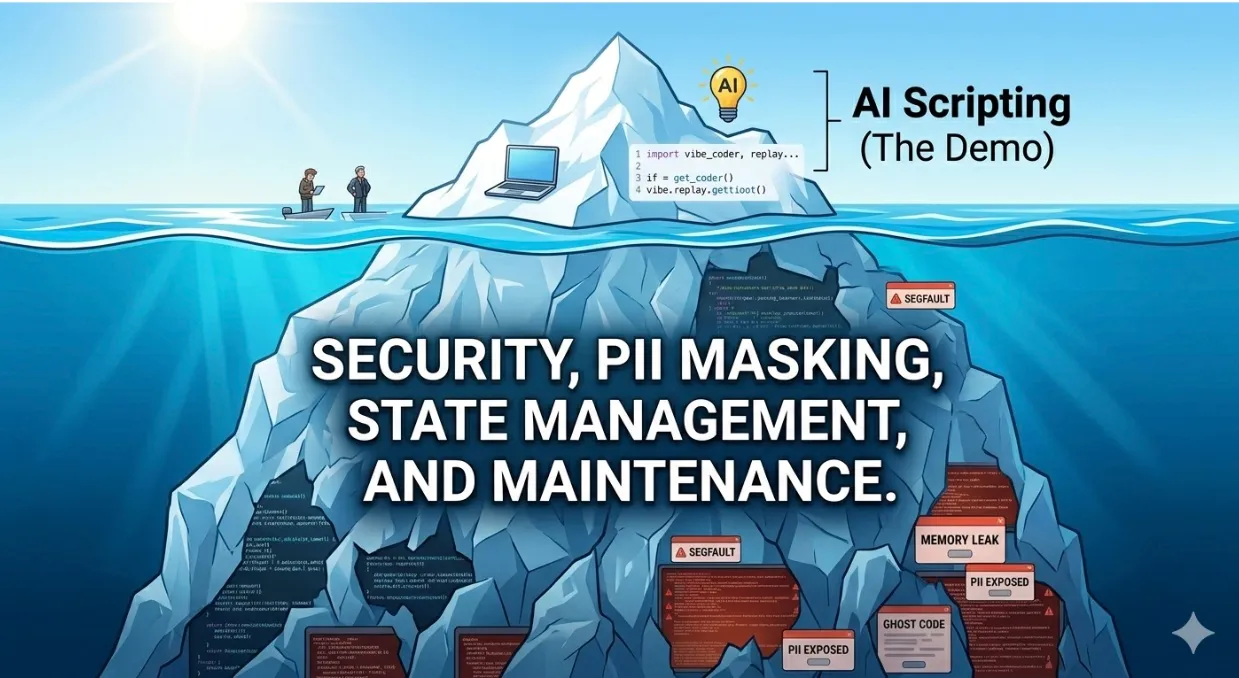
What Breaks First: A 50-Line Reality Check
Ask Claude for “a Python script that captures HTTP traffic on port 8080 and replays it” and you get something like this:
import requests, json

with open("captured.json") as f:
    requests_log = json.load(f)

for r in requests_log:
    resp = requests.request(
        r["method"], r["url"],
        headers=r["headers"],
        data=r["body"],
    )
    print(resp.status_code)
It works. Until it doesn’t. Three failures land in week one:
OAuth tokens expire. The captured Authorization: Bearer ... header was minted at 9:47 AM. Replay it at 11:00 AM and every request 401s. The obvious fix is a hardcoded refresh call, which then breaks the moment staging uses a different OAuth provider than prod.
IDs are stale. That POST /orders referenced customer_id: 84210, a row that doesn’t exist in staging. The replay becomes a flood of 404s and 409s that look like real bugs but aren’t.
Concurrency lies. Production fired 1,200 requests across 40 connections with realistic timing: bursts during checkout, gaps overnight, and a spike at 9 AM Tuesday when the marketing email went out. The AI-generated script fires them sequentially in a for loop. One connection, no jitter, no thread pool, no think-time between calls. Your “load test” reports green while production is actually gasping. The race conditions, connection-pool exhaustion, and cache-stampede bugs that only surface under realistic parallelism never show up in the script’s results. They show up at 2 AM on a Tuesday when real traffic spikes, in a Slack channel called #incident-response.
Speedscale’s capture-and-replay engine handles all three before you write a line of glue code: tokens refresh against your real auth provider, dynamic IDs are transformed via snapshot rules, and the replay engine reproduces production concurrency profiles instead of a serial flush.
The 50-line script isn’t wrong. It’s the part of the system you can see. Token refresh, ID transformation, and concurrency modeling are the parts you can’t. That’s where real replay infrastructure lives.
Why Speedscale Beats the Prompt
The Data Leak Problem: AI scripts blindly replay traffic. In the real world, production data is a minefield of PII. If your DIY tool accidentally leaks credit card numbers into staging logs, the legal fees will dwarf any SaaS subscription. Speedscale masks sensitive data automatically.
State Management: Modern APIs aren’t static. Handling OAuth tokens and dynamic IDs is “heavy lifting.” AI scripts are notoriously brittle here; Speedscale handles state synchronization out of the box.
Environmental Drift: Your infra changes daily. A custom tool requires manual updates to match your evolving Kubernetes clusters. Speedscale adapts; AI snapshots don’t.
If you do want to build replay infrastructure yourself, read our engineering team’s 3-part series on building a production-grade traffic replay system before you prompt your way into one. It’s a serious systems project, not a weekend script.
The TCO Reality Check
| Metric | DIY AI Script | Speedscale (SaaS) |
|---|---|---|
| Time to Value | 2–4 Weeks (Debug heavy) | Hours, not weeks |
| Maintenance | High (Senior Engineer tax) | Managed (no in-house upkeep) |
| Data Security | Manual / High Risk | Automated Masking |
| Scalability | Fragile at high throughput | Cloud-native & Elastic |
The Bottom Line
We love AI. It makes engineers faster. But using AI to build core infra like performance testing is like using a 3D printer to build a jet engine: it looks like the real thing, but you don’t want to be in the air when it’s put under pressure.

Don’t let your testing strategy become a weekend side project. While your competitors are busy debugging LLM scripts, you could be shipping code.
Skip the maintenance nightmare. Start a free Speedscale trial, or explore proxymock, our free local capture-and-replay CLI.