How a Marketing Intern Ended Up Running Claude in a Terminal
Where AI Started For Me
Before I ever ran Claude in my terminal, I thought I already understood AI tools pretty well. Like most people, I had used ChatGPT, Google Gemini, and Perplexity for everyday tasks. Such as helping with schoolwork, organizing ideas, summarizing information, or getting through something faster when time was tight. They were useful, but they still felt separate from how real work happened.
But there is a major difference between asking AI for an answer and asking it to help you create something you actually depend on.
Recently, that gap started to close for me. AI stopped being something I opened when I needed an answer and became something integrated into how I work. I built my professional portfolio and experimented with web apps in Lovable, used Gemini to help shape video content, and now run Claude directly in my terminal as part of technical workflows I never expected to touch in a marketing role.
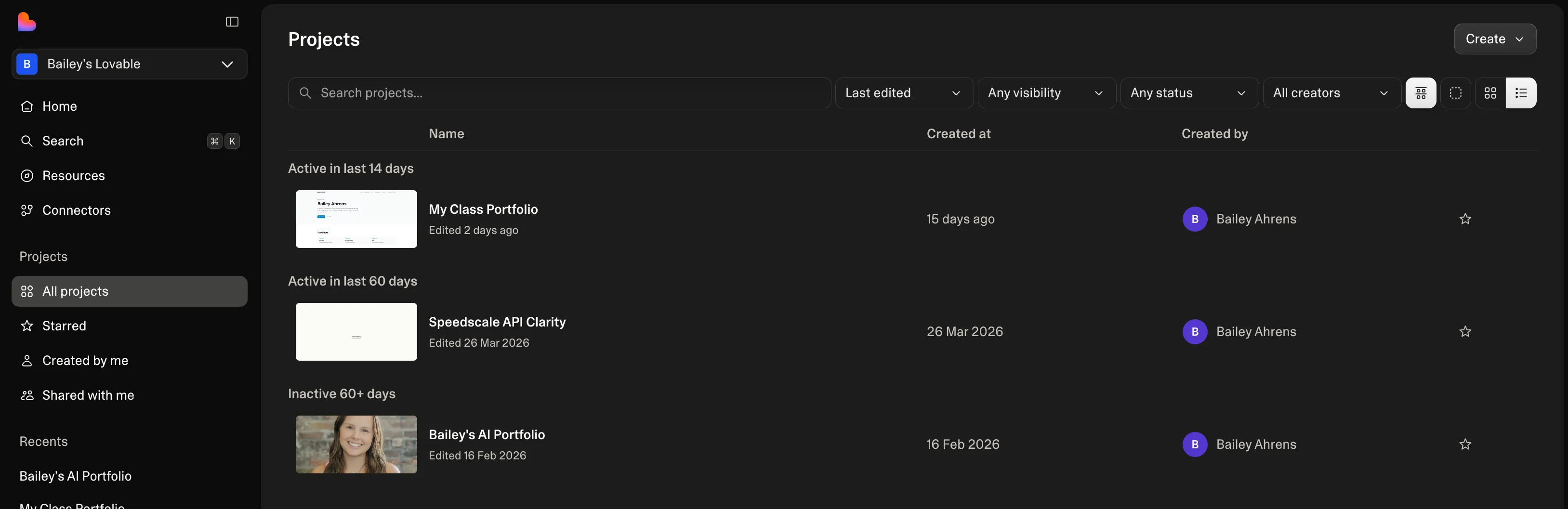
One of the first places I started actually building with AI was in Lovable. What started as experimenting turned into building out my own portfolio and testing ideas I normally would not have touched. It was one of the first times AI felt less like a tool I used occasionally and more like something I could build with directly.
When the Workflow Changed
When I first joined, much of our website workflow still lived inside WordPress. For someone coming from marketing, that felt familiar enough. Simple visual edits, structured content, drag-and-drop logic, small changes without thinking too hard about what sat underneath.
Then the workflow changed.
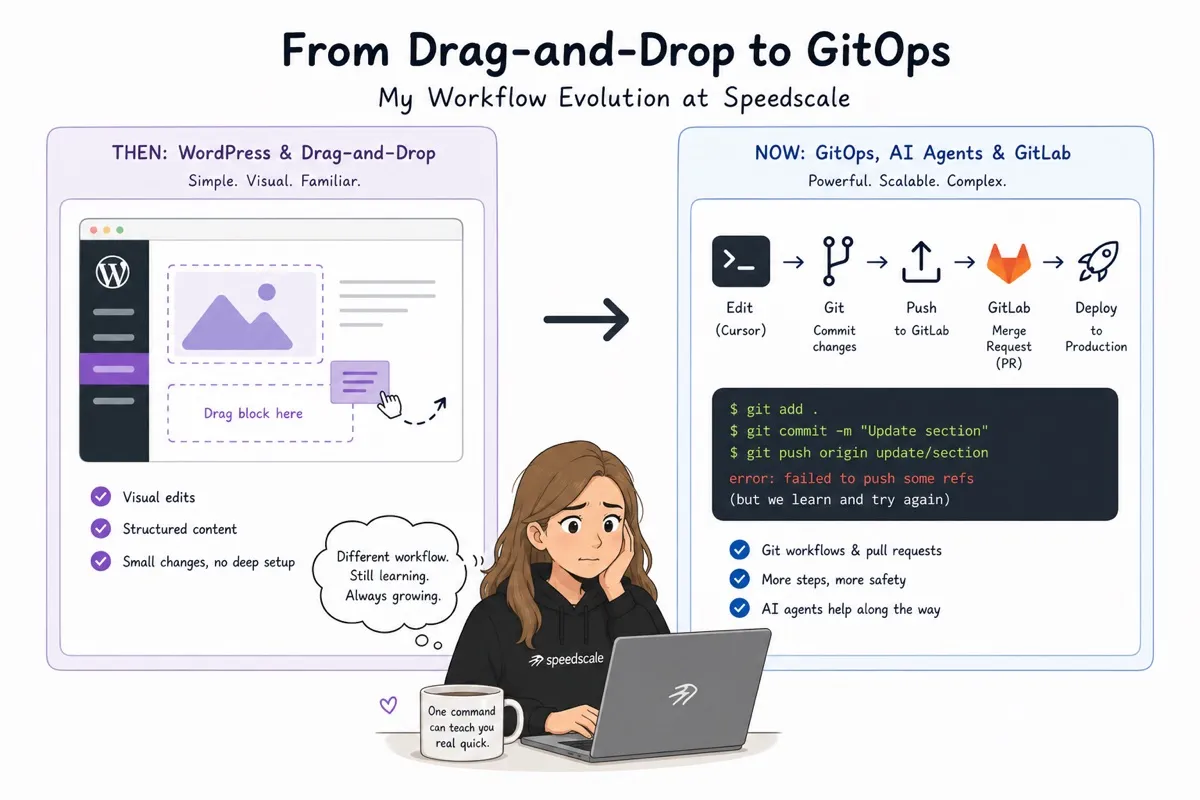
Instead of making updates through a CMS, we began building and changing the site through gitops. What had been drag-and-drop became Git workflows, pull requests, terminals, and editing directly through tools like Cursor. Changes moved through GitLab instead of dashboards. Going from visual editing to typing Git commands into a terminal was, honestly, a shock.
There is something humbling about sitting in front of a terminal when you are not an engineer and realizing that one wrong command can make your screen feel like it is personally rejecting you.
Learning by Breaking Things: What the Terminal Taught Me
I am not an engineer by any means. The number of times I crash something in a week would probably earn me a medal.
There were moments early on when even simple changes felt intimidating because every action seemed one step closer to breaking something I did not fully understand yet. Pulling branches, pushing updates, resolving conflicts, and rerunning commands all felt like learning a second language. At the same time, I was still trying to do my actual job.
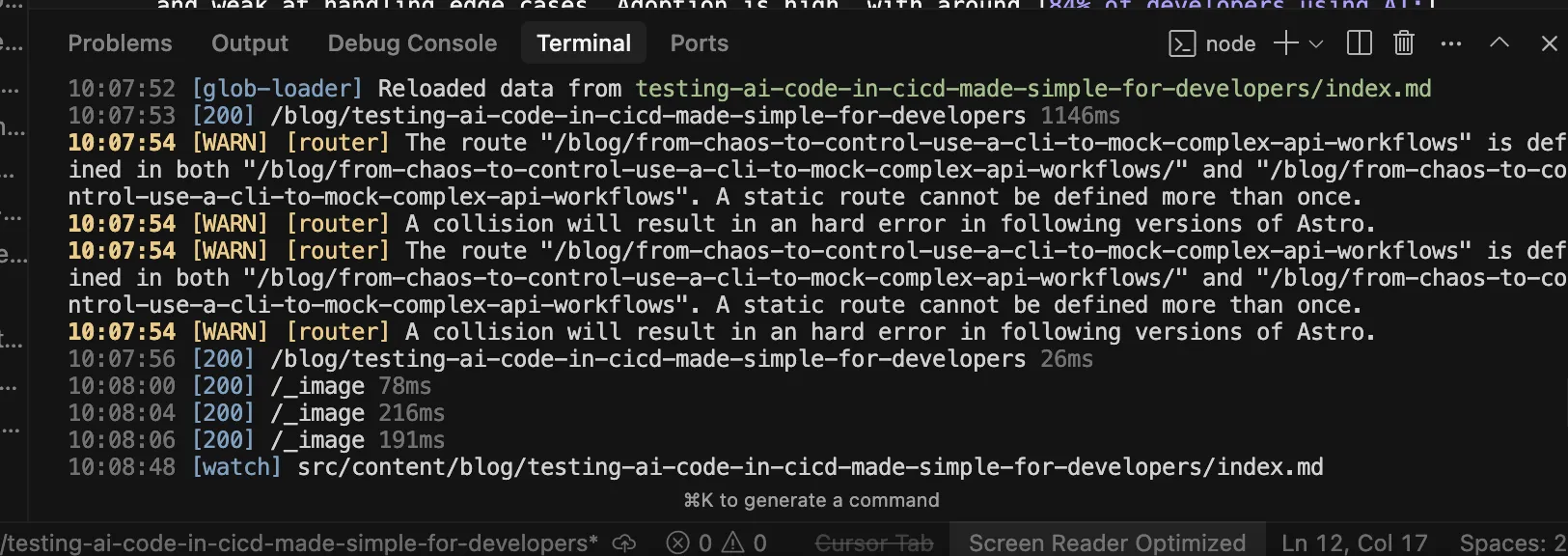
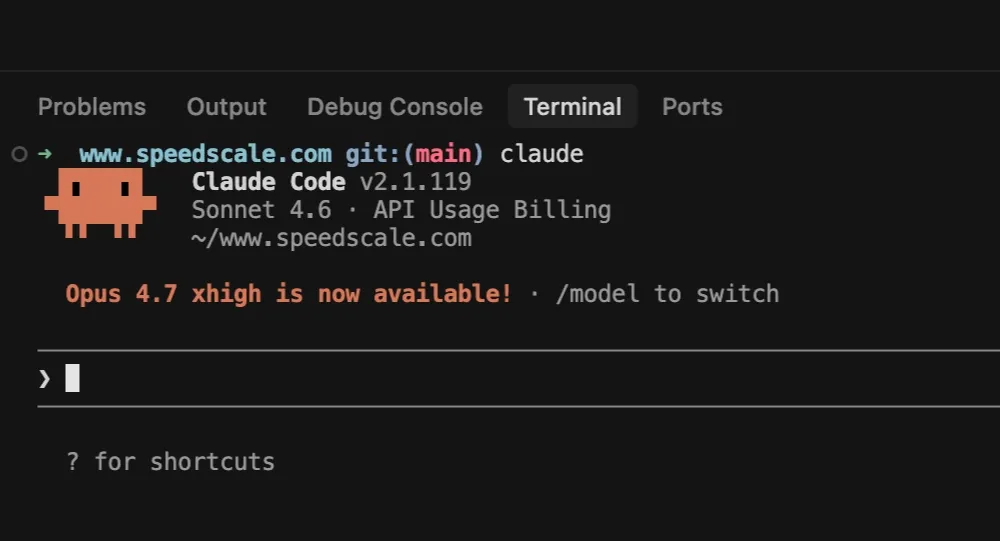
That is where Claude became different from every AI tool I had used before. It was no longer just helping me generate content. It became the thing helping me recover when I inevitably broke something, interpret errors, explain why a command failed, and tell me what to do next without making the problem worse. It made technical work feel less like guessing and more like guided iteration.
Why Vibe Coding Finally Made Sense
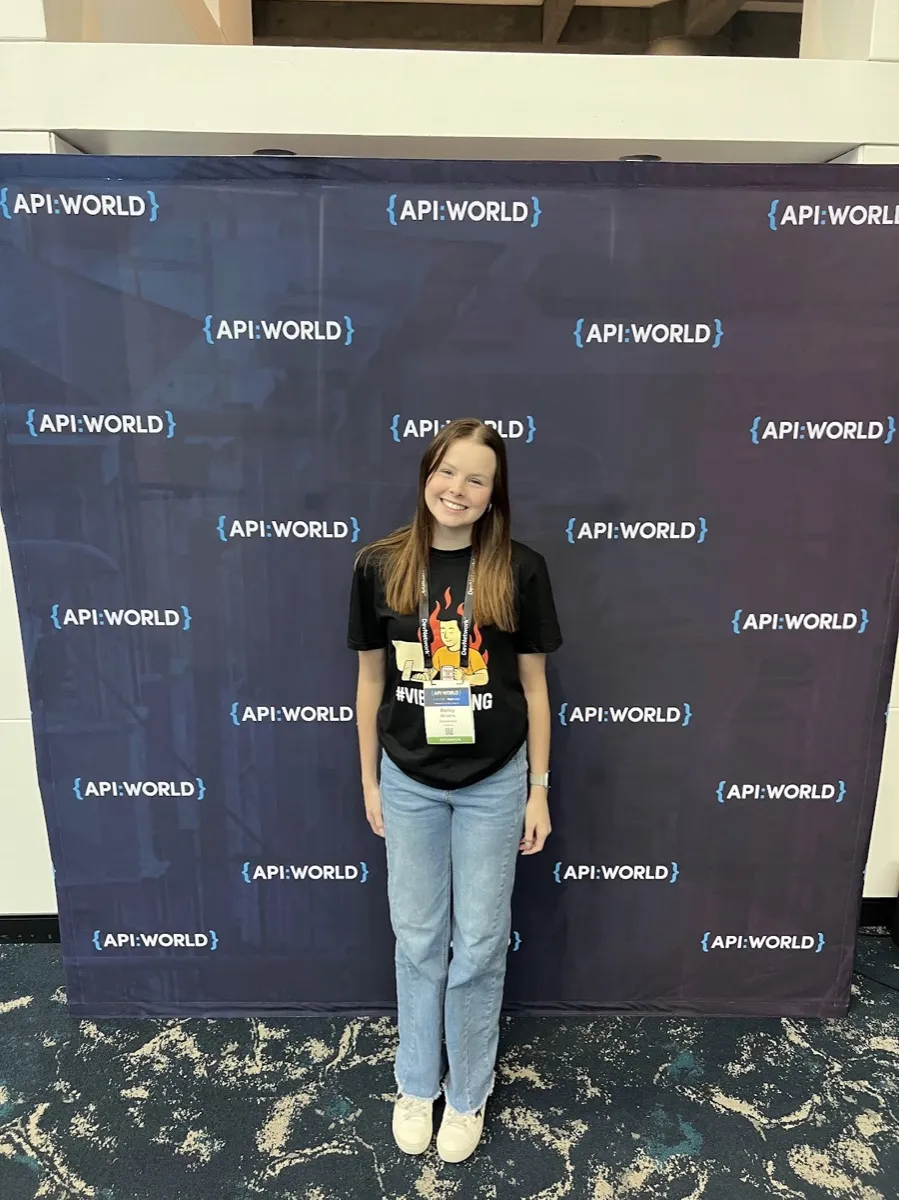
That was also when I finally understood what people meant when they talked about vibe coding at trade shows like API World, KubeCon, and Devnexus. I had heard the phrase constantly in conversations around AI-assisted development, usually from engineers talking about how much faster they could build and test ideas with AI right beside them. I understood why people were excited about it, but I did not fully understand what it actually felt like until I started working that way myself.
From the outside, vibe coding sounds like AI just writing code for you. In reality, it feels more like learning through trial and error, just faster. You try something, break something, ask better questions, adjust, and eventually figure out what works. Sometimes that means rerunning the same command three times before realizing the issue was something small you missed the first time.
AI is not replacing understanding. It is helping you build understanding while you are doing the work, which is why it starts to feel less like a shortcut and more like part of the process.
Working in tools like Cursor also made something click for me. When I opened markdown files, it was just text. The same way I write a blog, just structured differently. That made technical work feel a lot less separate from what I already knew.
Why I Kept Using Claude
After a few months of using Claude regularly, I genuinely could not imagine working without it. Not because it removes mistakes, but because it lowers the cost of making them. When something breaks, it no longer feels like you are completely stuck or waiting for someone else to step in. Most of the time, it feels like there is a way to work through it if you ask the right questions and stay patient enough to keep going.
It shortens the distance between “I do not know how to do this” and “I can probably figure this out.” That difference matters more than expected, because it changes how willing you are to try something unfamiliar in the first place. Instead of avoiding technical tasks because they feel outside your skill set, you start approaching them knowing there is a way to learn as you go.
That matters even more in a startup, where speed often means learning while executing and where you do not always have the luxury of waiting until you feel fully prepared. Sometimes the work simply moves, and you have to move with it.
It also changed how I think about technical conversations happening around AI right now. The biggest shift is not just that more people can create faster. It is that more people outside traditional engineering roles can now participate in workflows that once felt completely inaccessible. For someone in marketing, that changes what feels possible day to day.
Why It Matters
But speed still creates responsibility. That is the part that becomes clearer the more you rely on AI in real work instead of simple tasks. It is easy to focus on how quickly something can now be created, whether that is code, content, a webpage update, or even a fix for something broken in a terminal. What matters more is whether that output actually holds up once it leaves your screen and has to function in a real environment.
AI can help write code, edit a page, explain an error, or suggest the next command to run, but none of that guarantees the result is correct. Fast creation means very little if what gets shipped breaks later, creates new issues, or behaves differently under real traffic than expected. The speed feels impressive at first, but speed alone does not create trust.
Final Thoughts: What Happens Next
I started using AI as a shortcut for simple things. At first, it helped with schoolwork, quick answers, summarizing articles, and getting through the boring parts of a task faster. It was useful, but it still felt separate from the kind of work I thought needed technical knowledge.
Now it is part of workflows I never expected to touch. I use it when building sites, editing code, troubleshooting my terminal, and trying to understand systems I used to only hear engineers talk about. A lot of what once felt intimidating now just feels like part of learning how work is changing.
I still crash things more often than I would like. There are definitely moments when I type a command, hit enter, and immediately know I probably made something harder for myself. But now I usually know there is a way to fix it, even if it takes a few tries. A lot of that comes from using Claude consistently enough that it has become part of how I work. It does not do the thinking for me. It just helps me get unstuck faster and makes unfamiliar things feel less overwhelming.

That has probably been the biggest shift for me. AI is not just helping people move faster. It is making certain kinds of work feel more accessible to people who were never formally trained to do them.
I am not leaving this experience as an engineer, but I am leaving as someone who is not intimidated by becoming more technical. That shift alone has probably been the most valuable part of this internship.