I’m a big fan of service mocking. I’ve been working in and around software for about 25 years, and one thing never changes: when you sit down to work on your code, you almost never have everything available. The database, the third-party API, the message queue, the service two teams over. Something’s missing. So you’ve got to stub it out or mock it out and keep moving.
I’ve followed the WireMock project for years because of this. If you work in and around Java and microservices, you need a way to mock your dependencies, and WireMock is a great fit. It drops right into your unit tests, you can spin up a mock in seconds, and the mapping files live in your own repo next to the code they’re standing in for. The open source code lives in the wiremock/wiremock GitHub repo.
You already have the data
Here’s the part most people skip past. The hard work in a WireMock mapping is the data, not the syntax. You need the real endpoint that was called and the exact response the app sent back, and you need it to look like production rather than something you made up. If you’re running Speedscale, you already have all of it. We capture the real requests and responses flowing through your app, which is exactly what you’d otherwise sit and hand-write into a stub.
A friend at WireMock pointed this out to me at a conference and it stuck. We’d had a WireMock importer for a while, so if you’ve already got mappings we’ll pull them in. Going the other direction was the obvious missing half.
So we built the exporter
In the latest version of Speedscale you can take recorded traffic and write it straight out as WireMock mappings:
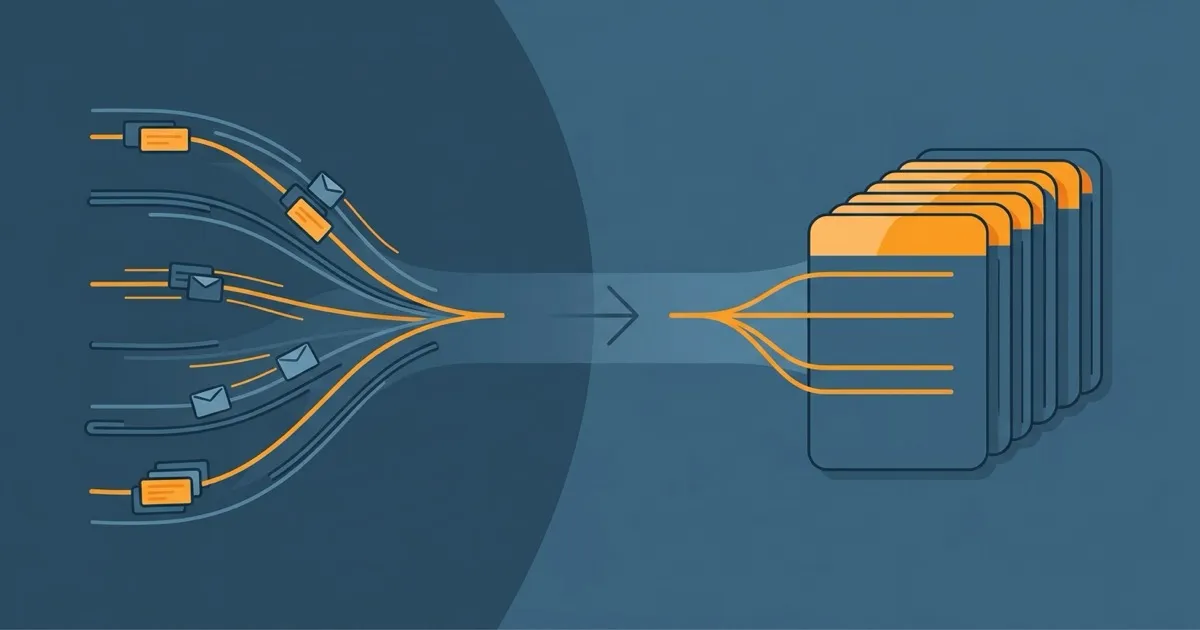
proxymock export wiremock --in ./proxymock --out mappings.jsonEvery recorded call becomes a stub. The method and path become the matcher, and the recorded status, headers, and body become the response. I left request headers out of the matching on purpose so a stub doesn’t get pinned to whatever auth token you happened to record that day. You want it to match and serve.
From there it’s plain WireMock:
docker run -d -p 8080:8080 wiremock/wiremock
curl -X POST http://localhost:8080/__admin/mappings/import --data @mappings.json
I didn’t want to ship a format that only looks right on paper, so I ran it against the real wiremock/wiremock Docker image, not a fake one. Recorded four endpoints off our banking demo’s API gateway (accounts, transactions, a profile lookup, a login), exported them, loaded them, and every call came back with the recorded response. WireMock even stamps a Matched-Stub-Id header so you can see which stub it hit. A path I never recorded gave back a 404, which is exactly right.
Try it yourself
That whole run is a script in the public wiremock export demo. All you need is Docker.
git clone https://github.com/speedscale/demo
cd demo/wiremock-export-demo
./run-demo.sh
It exports a bundled recording to WireMock mappings, starts the real wiremock/wiremock container, loads the mappings through the admin API, and replays those four banking endpoints to check each one comes back with the recorded body. The last thing it does is hit a path that was never recorded so you can watch WireMock return a 404.
To do it with your own service instead, record some traffic and point the exporter at it:
proxymock record -- your-app-command
proxymock export wiremock --in ./proxymock --out mappings.json
Then load mappings.json into WireMock the same way the demo does.
If you’re already keeping WireMock mappings in your repo, this is just a faster way to write them. Record the real thing once and let it generate the stubs instead of guessing at them by hand.
And if you’re still deciding where WireMock fits next to the other mocking tools, I wrote up how I think about the alternatives a while back. This is the piece that makes the recording part easy.
Thanks for the nudge.